Made for the room
where everyone gathers.
The big screen in the heart of the house — quietly glowing with twenty years of your people.
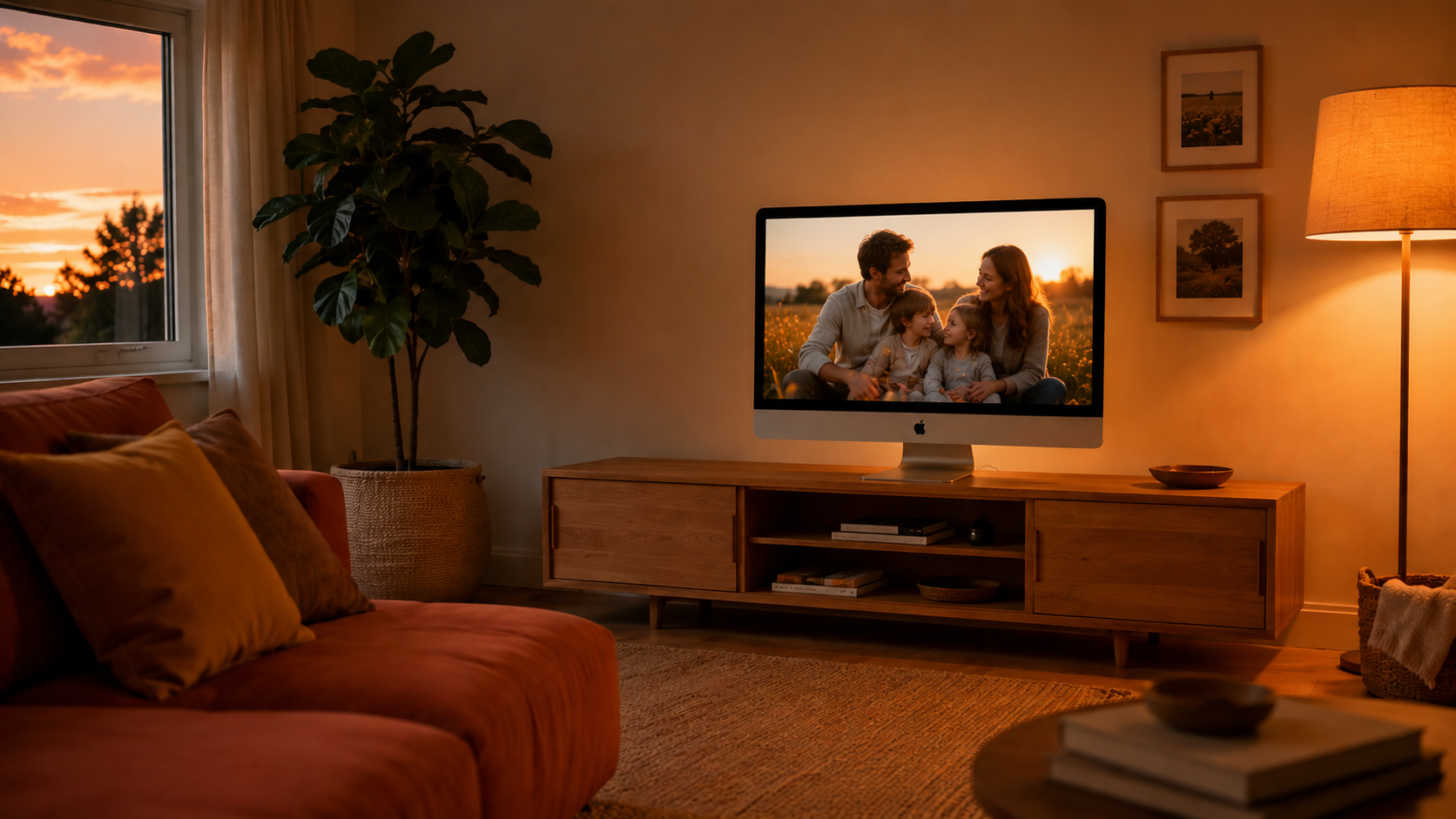
Your Mac goes idle… and FamFaves takes over. Hover the screen, or press ← to go back.
FamFaves launches this summer. Drop your email and I’ll send you the download link the day it’s live — plus a chance at an early-test build before then.
The big screen in the heart of the house — quietly glowing with twenty years of your people.
The reasons people went looking for something better than Apple’s.
Apple dropped this in Mojave and never looked back. We brought it home: tap Escape to wake the screen, then arrow your way back to the photo the whole room wanted to see again.
Apple makes you pick one flat folder. FamFaves reads it all — every nested subfolder, years deep, exactly how you (don’t) keep it organized.
Other slideshows zoom blindly and slice the tops of heads right off. FamFaves looks at every photo first — on-device, with Apple’s Vision framework — and frames each pan & zoom around the people in it. The smiles stay in the picture.
Big, high-resolution files where Apple’s built-in screensaver bogs down and stutters — FamFaves just glides, instantly, every time it wakes.
Every other option makes you give up the part that matters most.
| Applebuilt-in | ArtSaverfree saver | ArtSaverApp$3.99 app | FamFaves$5 | |
|---|---|---|---|---|
| Runs as a real screensaver | ✓ | ✓ | ✕ | ✓ |
| Press ← to revisit a photo | ✕ | ✕ | ✓ | ✓ |
| Reads nested subfolders | ✕ | ✓ | ✓ | ✓ |
| Fast with huge libraries | ✕ | ✓ | ✓ | ✓ |
| Keeps faces in frame — no cropped heads | ✕ | ✕ | ✕ | ✓ |
| Made to feel good using it | ✕ | ✕ | ✕ | ✓ |
I’m finishing the installer and permission walkthrough now. Leave your email and I’ll send the launch note, early-test build, and discount if one happens.